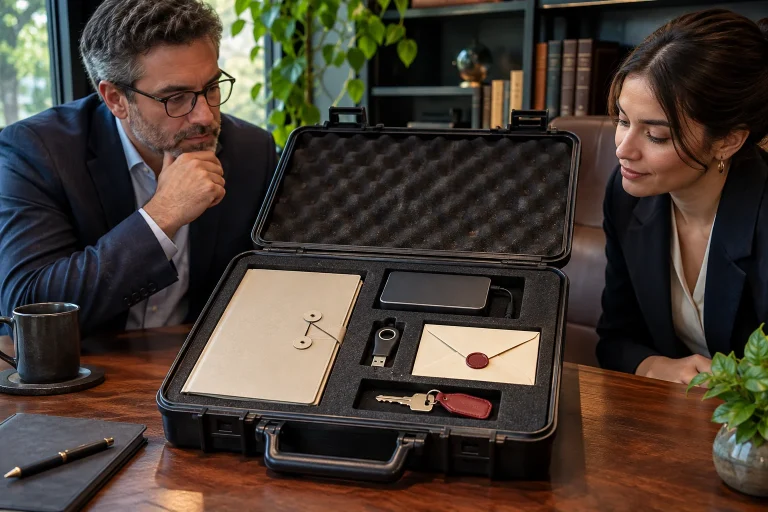
Ending a relationship with a web developer or agency is easier when it happens on good terms, and still easy to get wrong. The risk is not hostility; it is that the vendor quietly holds pieces of the site that the business assumed it owned: a login, a license in the vendor’s name, a copy of the files, the only recovery email. Offboarding is the orderly process of finding every such piece, moving it to the business, confirming that the business can use it, and only then removing the vendor’s access.
Inventory before you announce
Compile the list of what exists before the conversation begins, so you are asking for specific items and not general cooperation. Use the ownership record, old invoices, the control panel, and the content system’s user list. Ask staff what they have been logging into. If you do not know whether an item exists, ask the vendor to confirm in writing what services, tools and accounts were set up for the site.
| Asset | What to collect | How to verify it works | Final step |
|---|---|---|---|
| Domain registration | Registrant record, registrar login, transfer authorization if the registrar changes | Log in as the business and view the contact details | Change the vendor out of any contact role |
| DNS settings | A full export or screenshot of every record | Compare to the live settings | Store a copy in the business records |
| Hosting account | Account holder status, billing contact, recovery contacts | Request a password reset to a business mailbox | Remove the vendor user |
| Content system | Administrator accounts for business staff | Log in and publish a harmless draft | Delete or disable the vendor’s user |
| Source files and media | Theme, plugin list, original images, design files | Open them on a different computer | Request deletion of vendor-held copies where appropriate |
| Backups | Latest full copy and the method for restoring | Confirm the copy opens and lists expected content | Move scheduling to the business or new vendor |
| Third-party tools | Form, analytics, email and tag tool accounts, and any license keys | Log in to each and see ownership details | Transfer ownership or replace with business-owned accounts |
| Documentation | Notes on setup, custom code, scheduled tasks | Read it aloud to the next maintainer | Store in the business records |
Domains need their own care
Moving a domain between registrars follows a defined process. ICANN’s transfer policy describes the steps and safeguards around moving a registered name from one registrar to another, and in practice the current registrar must release the name with an authorization code and the lock on the domain must be lifted. If the vendor is the registrant of record, the business must first obtain the registrant role. Do this early, since delays in verification emails are common.
Order matters
First create the business’s own administrator access everywhere. Second, confirm it works by logging in from a clean browser. Third, change recovery emails and phone numbers to business-controlled ones. Fourth, change passwords the vendor knew and enable two-step verification, which the FTC’s small business cybersecurity guidance recommends alongside limiting who has access. Only then remove the vendor’s users. Reversing this order is how businesses end up locked out with nobody left to ask.
Hypothetical worked example
Hypothetical example: suppose an invented outdoor-equipment retailer, Trailhead Outfitters, is parting with the agency that built its site. The retailer’s inventory shows the hosting account is in the business’s name but the form tool and the analytics property were created under the agency’s own accounts. The owner asks the agency to add a business login as owner of each, tests both from a clean browser, then changes the recovery email on the hosting account. The backup copy the agency supplies fails to open on the owner’s computer; the agency re-exports it the next day. Only after all checks pass does the owner request removal of agency users and ask the agency to confirm in writing which copies of site files it will delete. The scenario is invented, and the lesson is the sequence: inventory, add, verify, replace, remove.
The handoff meeting
- Walk through the inventory line by line with the vendor present.
- Have the vendor demonstrate any process that exists only in their head, such as a scheduled task or manual update.
- Collect written confirmation of what was handed over and what was deleted.
- Rotate every shared password after the meeting.
- Remove the vendor from every user list, mailing list and notification route.
- Update the ownership record and the maintenance calendar with the new responsible party.
After the transition
Check the site for a few weeks for anything that quietly depended on the vendor: form notifications that went to the agency’s address, scheduled tasks that stopped, certificates that were renewed under the vendor’s account. Keep the inventory; it becomes the starting point for the next handoff, and the next one is easier because the business already holds the records.