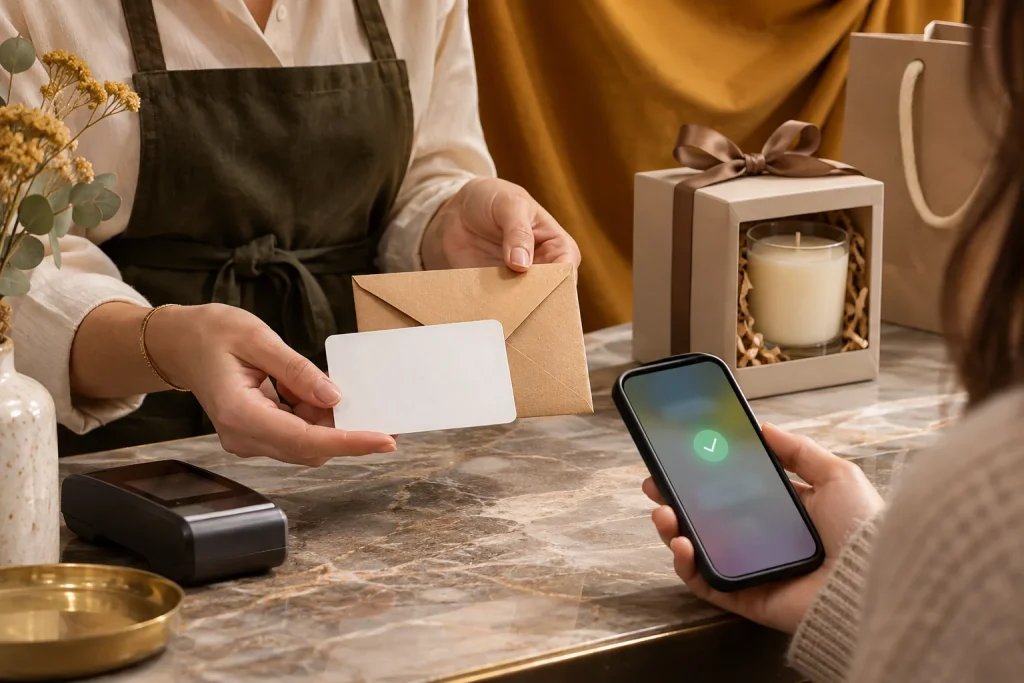
Check a gift-card sale as three connected events: the buyer’s payment, delivery of the intended card to the correct recipient, and later redemption against merchandise. A paid order does not by itself prove that a usable gift card reached anyone.
Make sure it is a real gift-card product
A normal catalog product named “Gift Card” may look convincing in the storefront while lacking the platform’s gift-card behavior. Shopify documents that a gift card sold as a gift-card product is created when the relevant order item is fulfilled. Treat product type, fulfillment settings, recipient details, and notification behavior as part of the offer, not just its image and description.
Before launch, list the denominations, supported currencies or markets, allowed sales channels, and the delivery promise. Check the current platform documentation for the specific setup. Gift-card regulations, expiry, tax treatment, and accounting can vary; take those questions to appropriate local advisers rather than importing another store’s policy or applying a universal rule from a generic checklist.
Track each state explicitly
| Stage | Record to verify |
|---|---|
| Purchase | Actual gift-card product, value, buyer and payment status |
| Creation | Correct card issued against the intended sale |
| Delivery | Recipient and delivery event match the buyer’s instruction |
| Redemption | Eligible checkout applies value to the intended purchase |
| Recovery | Existing card can be located and safely re-sent when appropriate |
Keep those fields linked without copying full card codes into a shared spreadsheet. Shopify’s management guidance limits ordinary admin visibility to part of the code and provides card-management workflows. Gift-card codes can convey spendable value. Do not publish them in screenshots, general support notes, or an order example used for staff training.
Walk through a specific recipient journey
Hypothetical example: a buyer purchases a $50 gift card for another person. The payment clears, the gift-card item is fulfilled, and the recipient receives the intended notification. Later, the recipient uses $32 of value toward an eligible order. With no other adjustments in this simplified example, $18 remains. The buyer’s original payment and the recipient’s merchandise order are separate records that should remain connected through the card’s history.
If the delivery message bounces, a second $50 card is not automatically the correct remedy. First locate the existing card and determine whether it was created and whether any value has been used. A resend to a verified recipient can be a different action from issuing additional value. Check the approved management path before creating another card or changing an address.
Check mixed orders and scheduled gifts
A buyer may purchase a physical product and a gift card together. Verify which item is fulfilled automatically, which requires shipping, and what the buyer or recipient sees. The physical parcel should not be marked delivered because a digital card was sent. Likewise, waiting to dispatch a physical product should not accidentally contradict a separately promised gift-card delivery arrangement.
If your setup allows scheduling, test the chosen date, time zone, recipient field, and buyer confirmation. Do not promise scheduling merely because a theme contains a gift message field. Confirm the functionality your store actually provides, including what happens when a buyer omits the recipient address or enters an invalid one. Use authorized test addresses and avoid exposing live value during testing.
Prepare a bounded acceptance test
- The storefront sells the correct gift-card product and value.
- The approved payment path produces the intended creation and fulfillment events.
- The buyer and recipient receive the appropriate messages.
- The recipient can distinguish the usable gift from the purchase receipt.
- Redemption works on an eligible checkout without inventing a shipping event.
- The remaining balance is correct after a partial redemption.
- Support can recover the existing record without creating duplicate value.
Use a permitted test method and a controlled card value only with the necessary authorization. This guide recommends checks; it does not claim a particular store or payment provider has been tested. Where the platform’s test environment cannot reproduce a behavior, record the limitation and arrange the appropriate controlled verification rather than marking the result passed by assumption.
Handle refunds and deactivation as distinct decisions
If a gift-card purchase is refunded or a card needs to be deactivated, inspect the card’s current history and the platform’s documented behavior. Shopify documents that refunding a purchased gift card automatically deactivates it. Verify that resulting state and the redemption history, and check the documented behavior of any separate integration. Have an authorized person review the funds movement, customer explanation, and applicable rules together.
The useful operating outcome is traceability: staff can explain what was purchased, which card was created, where it was sent, what value remains, and which recovery action already occurred. That record is more dependable than a generic “gift card delivered” note attached to the buyer’s order.